With the “Package with linked files” download profile, you can download a file together with all “Linked Files” listed in one ZIP package.


The package also includes a report (.txt) with the name of the person who created the package, the download time, as well as a list of all the linked files and the fonts used in InDesign documents. Linked files with use restrictions are excluded from the download and will be listed separately in the report.


According to the product standard, the function can be used with the following file types:

  • InDesign documents (*.indd)
  • InDesign exchange format (*.idml)
  • PowerPoint presentation (*.pptx)
  • PowerPoint 97–2003 presentation (*.ppt)
  • PowerPoint presentation with macros (*.pptm)
  • PowerPoint template with macros (*.potm)
  • PowerPoint template (*.potx)
  • PowerPoint 97–2003 template (*.pot)


This function is generally suitable for use with all file types that could have “Linked Files”. This requires a customization for creating the “Linked Files” list for the respective file type.


Requirement

To create the “Linked Files” list for the file types listed above, it is necessary to use the InDesign and PowerPoint plugins.

The links must be “current”, otherwise they will not be packaged in the download. Links that are not current are marked with a yellow exclamation point.

  1. Select an InDesign or PowerPoint file with “Linked Files”.
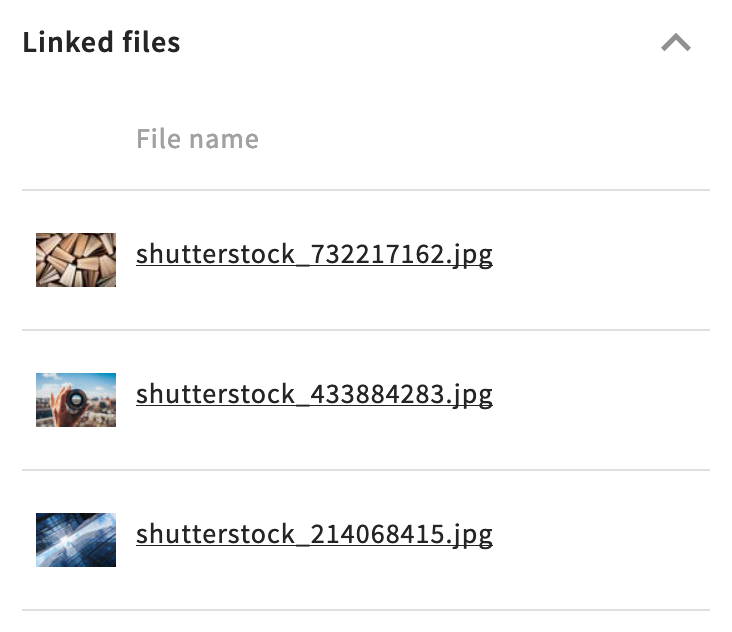
    Check, if applicable, in the detail view whether the file shows updated linked files.


    Example: The linked files list of an InDesign document


  2. Place the file in the shopping cart or start the Quick download (pop-up window for profile selection).

  3. Assign the download profile “Package with linked files” to the file.

  4. Start the download either via Quick download, the shopping cart, or share the file for download “Via download package” or “Via eTicket”.

  5. The files are downloaded as a ZIP package.